AI scribes went from a novelty to a sales pitch very quickly. Most documentation tools now promise to “write your notes for you.” For SLPs, OTs, and BCBAs, that promise sounds great at 9 p.m. with six notes still open.
But a therapy note is not just a summary. It is a clinical record, a billing document, and your professional signature. So before you trust any AI scribe, it helps to know how they work, where they slip, and what to ask the vendor.
This guide is vendor-neutral. The questions below apply to any tool you are looking at, including ours.
First, what an AI scribe actually is
An AI scribe is software that drafts clinical documentation for you. There are two main types:
- Ambient scribes listen to the session, usually through a phone or computer microphone. They turn the conversation into text and then draft a note from it.
- Assisted note tools work from what you enter, such as session data, goals, and quick notes. The AI then turns that into a structured draft.
Both produce a draft. Neither one replaces your review. The difference is where the raw information comes from: a recording of the room, or your own input.
How an ambient AI scribe works, in order
- Capture. The tool records audio during the session.
- Transcription. Speech-to-text software turns the audio into a written transcript.
- Drafting. A language model reads the transcript and writes a note in your chosen format, such as SOAP.
- Review. You read the draft, fix what is wrong, and sign it.
Each step is a place where something can go wrong, and a place where data is stored. Keep both in mind when you evaluate a tool.
Where AI scribes tend to get it wrong
Most AI scribes were built for medical visits: one doctor, one adult patient, clear speech. Therapy sessions often look nothing like that.
- Specialty terms. Words like “fronting,” “stopping,” “max assist,” “proprioceptive input,” or “functional communication training” can be misheard or replaced with common words.
- Speech that is hard to understand. In speech therapy, unclear speech is often the reason the client is there. A transcription tool may skip it, guess, or “correct” it, which hides the very errors you are treating.
- More than one speaker. Sessions often include a child, a parent, a sibling, or an aide. Scribes can mix up who said what.
- What the microphone cannot see. Trial counts, cueing levels, motor movements, and behavior are often observed, not spoken. If you did not say it out loud, the scribe does not know it happened.
- Insurance language. Payers look for skilled intervention and medical necessity. A general summary of the session may not show either.
- Filling gaps. Language models sometimes add details that sound right but did not happen. In a clinical record, that is a real problem.
The HIPAA and BAA questions to ask any vendor
A “HIPAA compliant” badge on a website is a start, not an answer. HHS does not certify software as HIPAA compliant, so the details matter. Ask these questions before you upload a single session:
- Will you sign a Business Associate Agreement (BAA)? If a vendor handles protected health information for you, HIPAA requires a BAA. No BAA means no.
- Where is the audio stored, and for how long? Ask whether recordings are deleted after the note is drafted, and who can access them before that.
- Is my data used to train your AI? Get a clear yes or no, in writing.
- Which other companies touch the data? Many tools send data to an outside AI model provider. Ask who those companies are and whether they are covered by agreements too.
- Is data encrypted in transit and at rest?
- Can I export or delete my records if I leave?
Do not forget consent. Recording laws vary by state, and some states require everyone in the conversation to agree. Tell clients and caregivers when a session is being recorded, explain why, and document their consent.
Questions specific to SLP, OT, and ABA work
General medical scribes may not fit therapy. Ask the vendor:
- Has the tool been tested on pediatric speech, disordered speech, or AAC users?
- Can it document cueing levels, accuracy percentages, and trial data correctly?
- Does it support the note formats you use, such as SOAP notes, progress notes, or session data sheets?
- Can you edit templates to match your discipline and your payers?
If the answers are vague, try the tool on a mock session before using it with a real client.
The five things to check before you sign an AI-drafted note
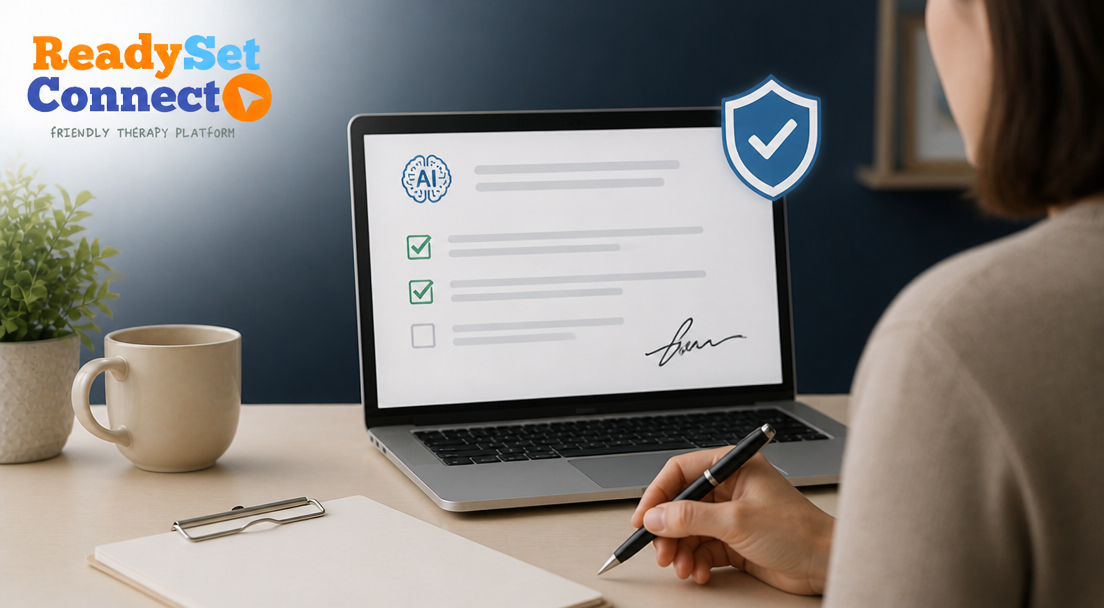
Whatever tool you use, run this quick check on every draft:
- The numbers match. Trials, percentages, minutes, and cueing levels are what you actually recorded.
- Nothing was added. Every activity, statement, and observation in the note really happened.
- Your skilled work is clear. The note shows what you did that required a licensed clinician, not just what the client did.
- It links to the goals. Each activity connects back to a goal in the plan of care or treatment plan.
- It sounds like this client. If the note could describe any client on your caseload, it needs more detail.
Why the clinician always signs off
Your signature says the note is accurate. Licensing boards, payers, and auditors will hold you to that, not the software. That is why the time an AI scribe saves should come from typing, not from reviewing.
A good tool makes the first draft faster. You still make the clinical calls.
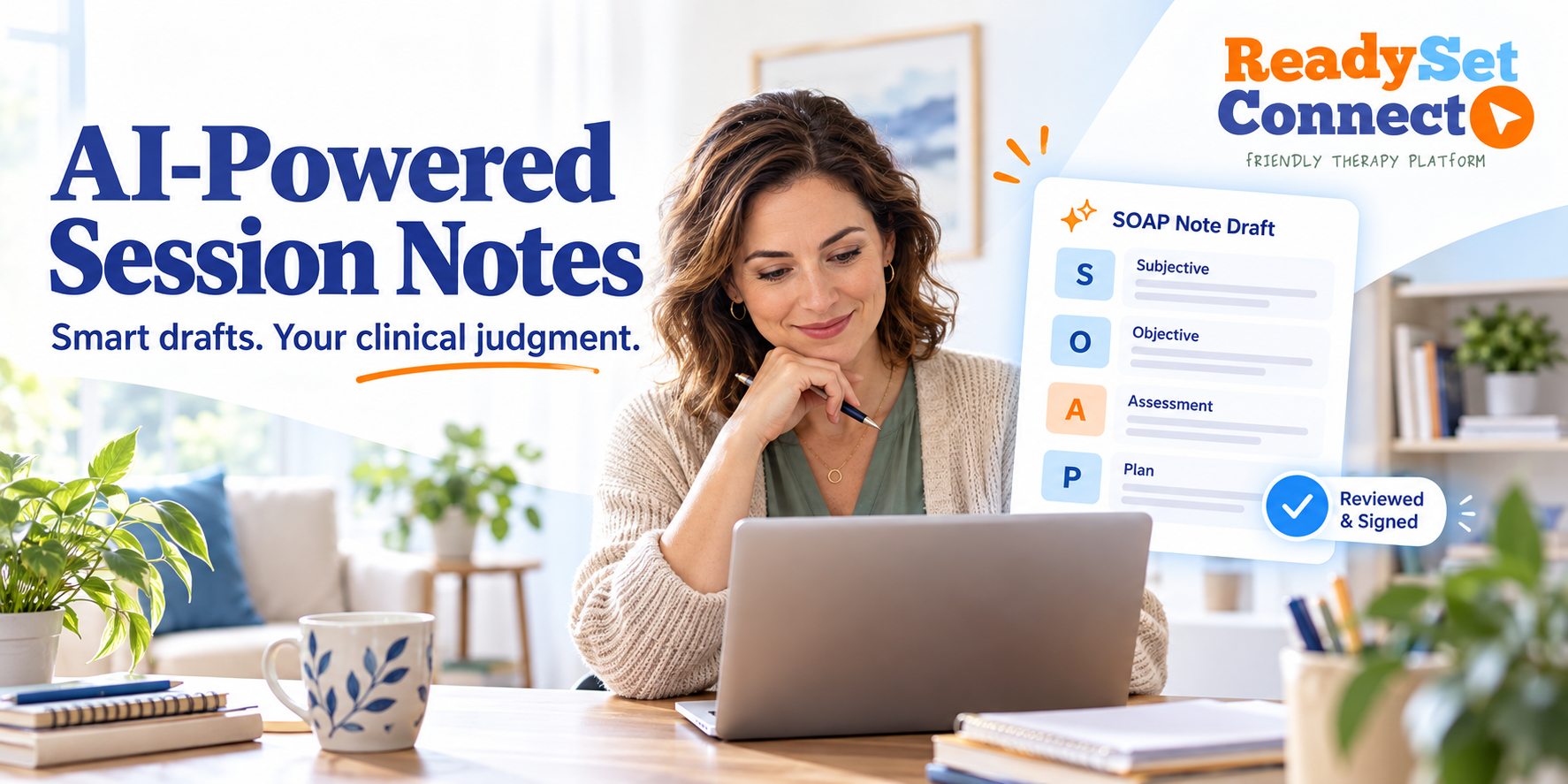
ReadySetConnect uses the assisted approach: the draft is built from the session information you enter, and you review and sign every note. ReadySetConnect also signs a BAA with every account on every plan. You can see how documentation and SOAP notes work, or read the full walkthrough of what ReadySetConnect’s AI session notes automate and what they don’t.
An AI scribe is a draft, not a decision
AI scribes can take real typing off your plate. The best ones are honest about what they cannot do. Ask the hard questions, test the tool on your own kind of sessions, and keep the final say where it belongs: with you.
Have more questions about documentation and privacy? See the ReadySetConnect FAQs.
Frequently asked questions about AI scribes for therapists
Are AI scribes HIPAA compliant?
Some can be used in a HIPAA-compliant way, but no software is “HIPAA certified” by the government. Look for a signed BAA, encryption, clear data storage rules, and a written answer on whether your data trains the AI.
Do I need consent to use an AI scribe in a session?
Recording laws vary by state, and some require consent from everyone in the room. The safest habit is to tell clients and caregivers, explain why, and document their consent.
Can an AI scribe handle speech therapy sessions?
It depends on the tool. Disordered speech, children’s speech, and AAC use are hard for most transcription software, so test it on a mock session first.
Will insurance accept AI-drafted notes?
Payers look at what the note says and who signed it. A note that is accurate, shows skilled intervention, and is signed by you is held to the same standard, regardless of how the first draft was written.
Is an AI scribe the same as dictation?
No. Dictation types out exactly what you say. An AI scribe summarizes and rewrites, which saves more time but also means it can leave things out or add things that did not happen.
Who is responsible if the AI gets something wrong?
You are. Your signature confirms the note is accurate, so every AI draft needs a real review before you sign.