Schedule
Without Chaos

No card needed.

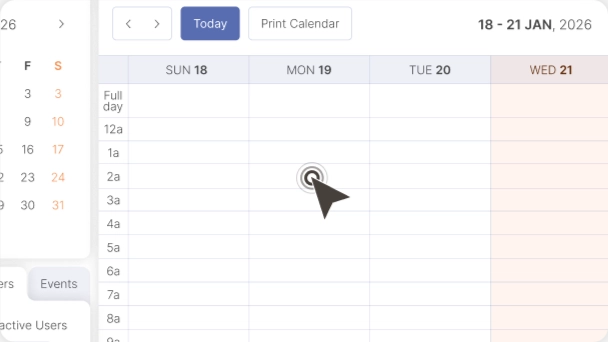
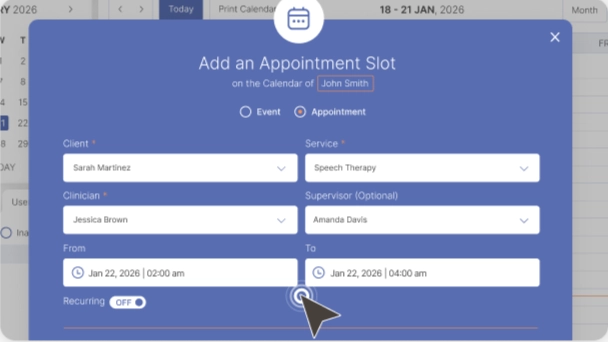
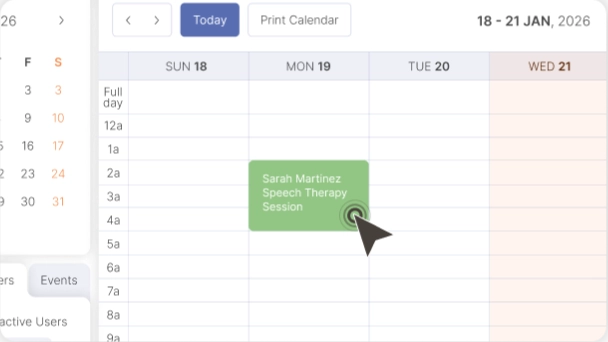
ReadySetConnect’s therapy scheduling software replaces generic calendar tools with a system designed for how therapists actually book, manage, and deliver sessions. The colour-coded calendar lets you organise sessions by client, session type, clinician, and location at a glance. Recurring appointments are set once and repeat automatically. Automated SMS and email reminders reduce no-shows by up to 30% without any manual effort from your team.

For therapy clinics with multiple practitioners, the shared calendar view shows every clinician’s schedule side-by-side, making it easy to avoid double-bookings, balance caseloads, and identify open slots. Solo therapists benefit from the same system β€” simplified to show just their schedule with drag-and-drop rescheduling and waitlist management built in. The scheduling module is fully integrated with RSC’s documentation and teletherapy features, so starting a session opens the client’s notes and video room in one click.

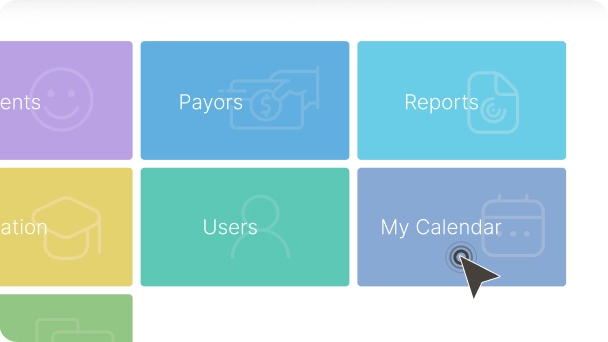
How it works?

Step 1

Set your availability and session types (recurring, one-time, teletherapy)

Step 2

Clients receive automated SMS and email reminders before each session

Step 3

View your day at a glance β€” colour-coded by client, type, and status

Key Benefits

Fewer No-Shows

Automated reminders reduce no-shows by up to 30%

Save Rebooking Time


Recurring sessions save hours of manual rebooking each week

Clinic‑Wide Calendar Views

Multi-clinician calendar views for clinic owners and supervisors

Easy Rescheduling


Drag-and-drop rescheduling with automatic client notification

FAQs

RSC supports clinician-managed scheduling with automated reminders. Self-service client booking is on the product roadmap.
Yes. Automated SMS and email reminders are sent before each session. Customise timing and message content from your settings.
Yes. Set a recurring schedule once and it repeats automatically. Modify or cancel individual occurrences without affecting the series.

Your next session starts soon.

Let ReadySetConnect handle everything around it.

No card needed.
For a guided walkthrough.